Choose for the place your guest will see it

One menu
for different spaces

On a table, a phone, a wall or in a chat. Choose the formats you need and keep the menu information consistent.

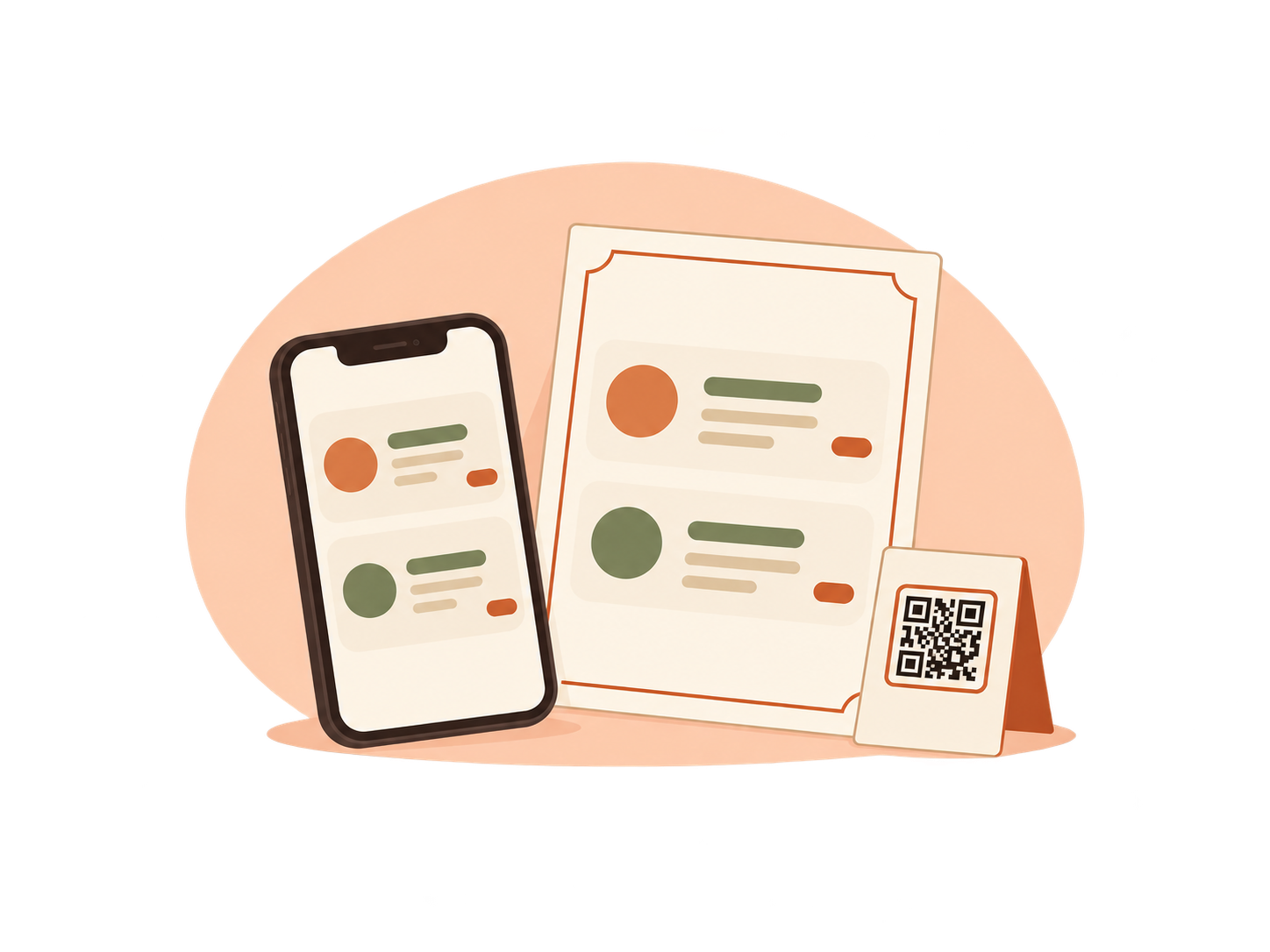
An online menu, printed menu and QR table sign

NARA MENU / TEMPLATES

Each format has a different job

These are illustrative examples. Confirm the delivery formats and scope with your restaurant before starting.

01

Online menu

Guests read names, prices and descriptions in Thai, English or Chinese on a phone.

Explore online menus
02

QR table sign

Give guests an easy way to open the menu, with clear wording that the code is for viewing.

Explore QR signs
03

A4 menu

Prepare a paper menu for the table or counter, including a convenient alternative to a phone.

Explore A4 menus
04

Wall menu

Make names and prices readable from a distance rather than shrinking a whole menu onto one sign.

Explore menu design
05

LINE / Facebook images

Introduce selected dishes and share your menu link before guests visit.

06

Long menu image

Prepare a menu image for the channels you use. Check the text on a phone before sharing.

Before we start

Designed for the format, not just resized

A phone menu should be easy to scroll. A wall menu needs readable names and prices. An A4 file needs to remain legible when printed. The information can stay consistent without forcing every format into the same layout.

  • Check names and prices in every language before printing.
  • Use images that represent your restaurant’s dishes.
  • Print-ready files do not mean printing and delivery are included.

Start with your existing menu

Have a menu? Send it over.

Tell us the number of items, languages and formats you need. We confirm the scope, quote and delivery schedule before starting.

Send your menu on LINE